


How To Make A YouTube Video Fast!
Use Your Phone To Make A YouTube Video
This will be a “trial” video just to understand how all this works :-)
Software I may be using:
- video filming app or tool – for example an iPhone, Android etc
- video creation app feature in Canva (using several scenes or slides)
Basic Steps:
- create the footage – (a) use your phone’s video camera or (b) use another footage file – OR – (c) make a video without any video footage (text and images only)
- my example shows my free Canva account where we will edit a pre-made video by using a Template
- choose Home / Template / Video / Video to see the Templates
- to learn the basics, choose one with with 3 to 5 scenes or slides
- swap out the temporary text with your own
- change fonts, sizing, colour etc on the text
- change images and backgrounds
- add the very important CALL TO ACTION (with a link) at the end
- export/save/Download to Desktop to play and watch.
- Congratulations! You’ve just created a video! Perfect for marketing, training, product catalogues etc.
Other options:
- add background music if required
- add voiceover if required
- use AI (Artificial Intelligence) to brainstorm the content – words, scenes, ideas for product shots etc
Other Ways to Make A YouTube Video
- Use Your Computer/Laptop To Make A YouTube Video via screen recording
- Use Your YouTube Channel To Make A Video inside Youtube – there is a video editing app inside the Channel
- Use Other Apps To Make A Youtube Video.
Questions about how to make a YouTube video using Canva?
I hope this short overvied has been helpful – please do let me know – I’m happy to clarify and provide more info if you need it :-)
Here are a few ways to get in touch with me:
- on my website
- on YouTube
- on Facebook
- if you’re in Australia, feel free to call or text me on 0408-801-808
- if you’re calling from outside Australia, feel free to call or text me on +61-408-801-808 (for example US and Canada, dial 011-61-408-801-808)
Perhaps you’d like to join in on one of my Zoom Chats I host every two weeks?
Pop over here and grab a free ticket – I’d love to see you and chat about videos :-)
Cheers – I look forward to meeting you and getting your videos in front of lots of potential customers, clients and students.
PS – I’ve created merch! Check it out when you have a moment :D
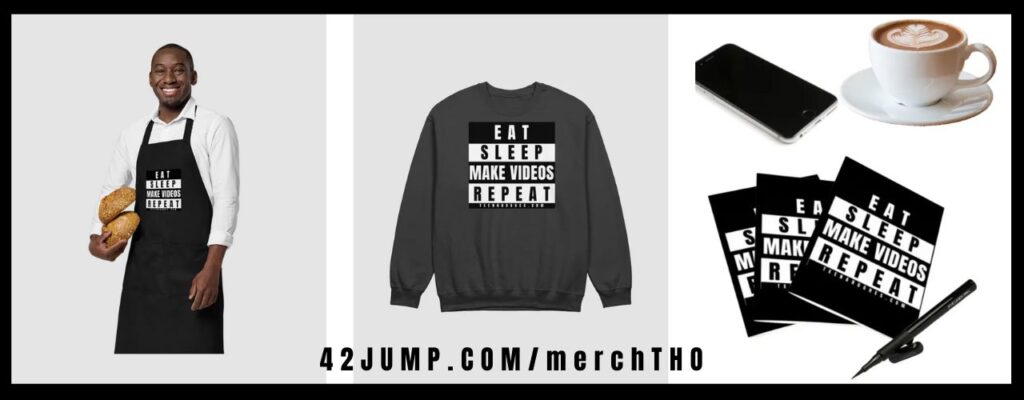
- Check it out here: 42Jump.com/merchTHO
Ciao ciao for now,

Teena Hughes
